How to make monsters and enemies work and attack. (Starting with the basics I will update this list)
1.) Go into actors edit mode and cntrl+click the monster.
2.) Right click the selected monster and go to properties.
3.) Go to Spawn Flags 1 (Spawn Flags 2 and 3 will be needed for other monsters. There’s a lot of specific flags for all the different monsters.)
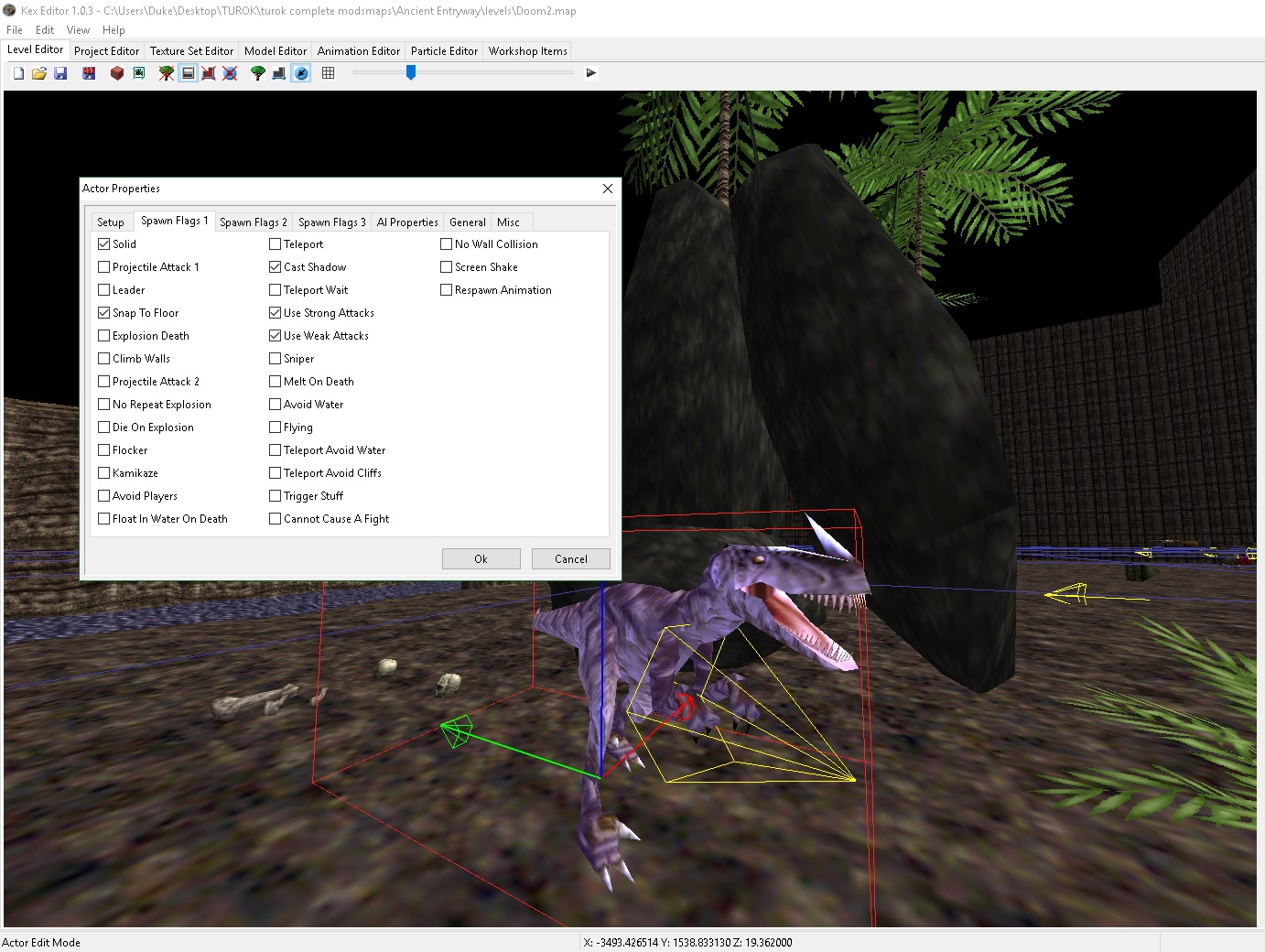
Basic Monster spawn flag selections:
Solid: Makes actor solid
Projectile attack 1/Projectile Attack 2: Good for enemies with weapons or any enemy that fires a projectile. Monsters are specific to them though, so if your monster isn’t firing any projectiles on projectile attack 1 try to use projectile attack 2 etc. While testing switch between them on different attacks to get the correct one.
Snap to Floor: Makes the enemy/monster stay on the floor even after death. You want to choose this one.
Cast Shadow: Cast’s a shadow for the monster
Use Strong Attacks: Makes enemy use the stronger attacks
Use Weak Attacks: Monster does weak attack
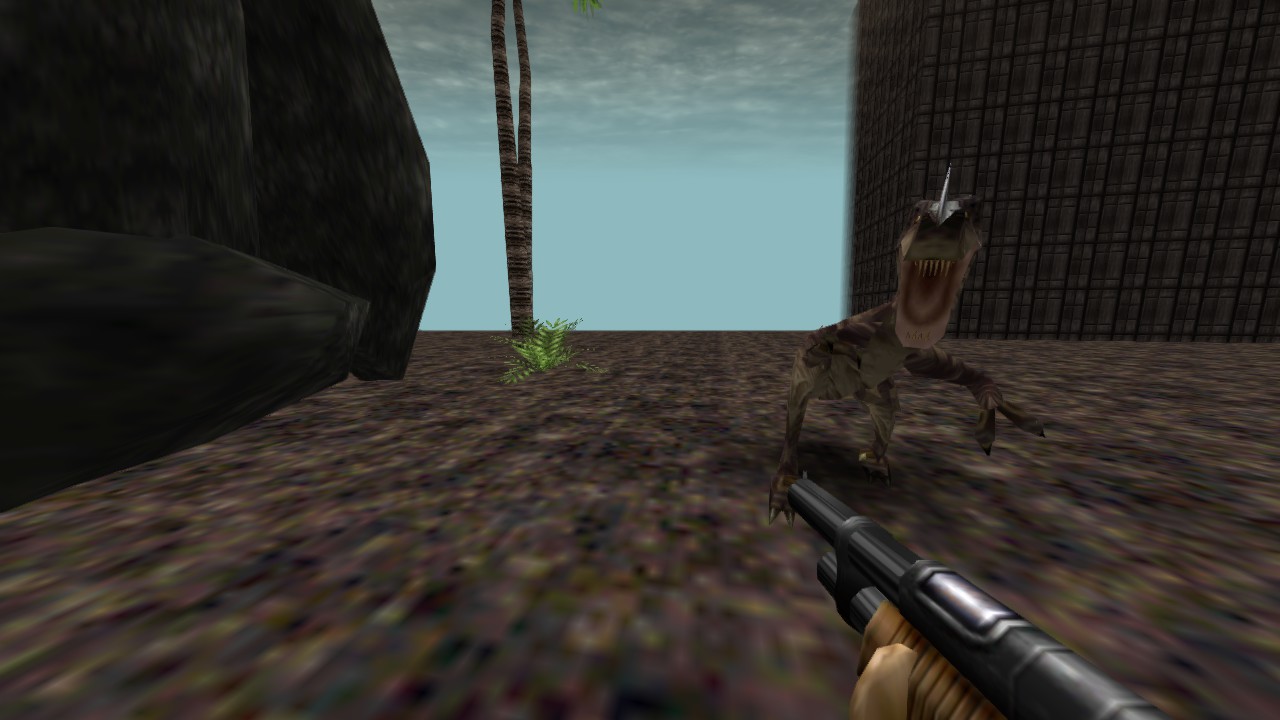
Hit ok and close the properties tab. Save map and now the monster will work.

Categories: Turok, Turok Dinosaur Hunter Mapping Guides
 duke64nukem.com
Leave a comment